CashStudia
Your money. Finally clear.
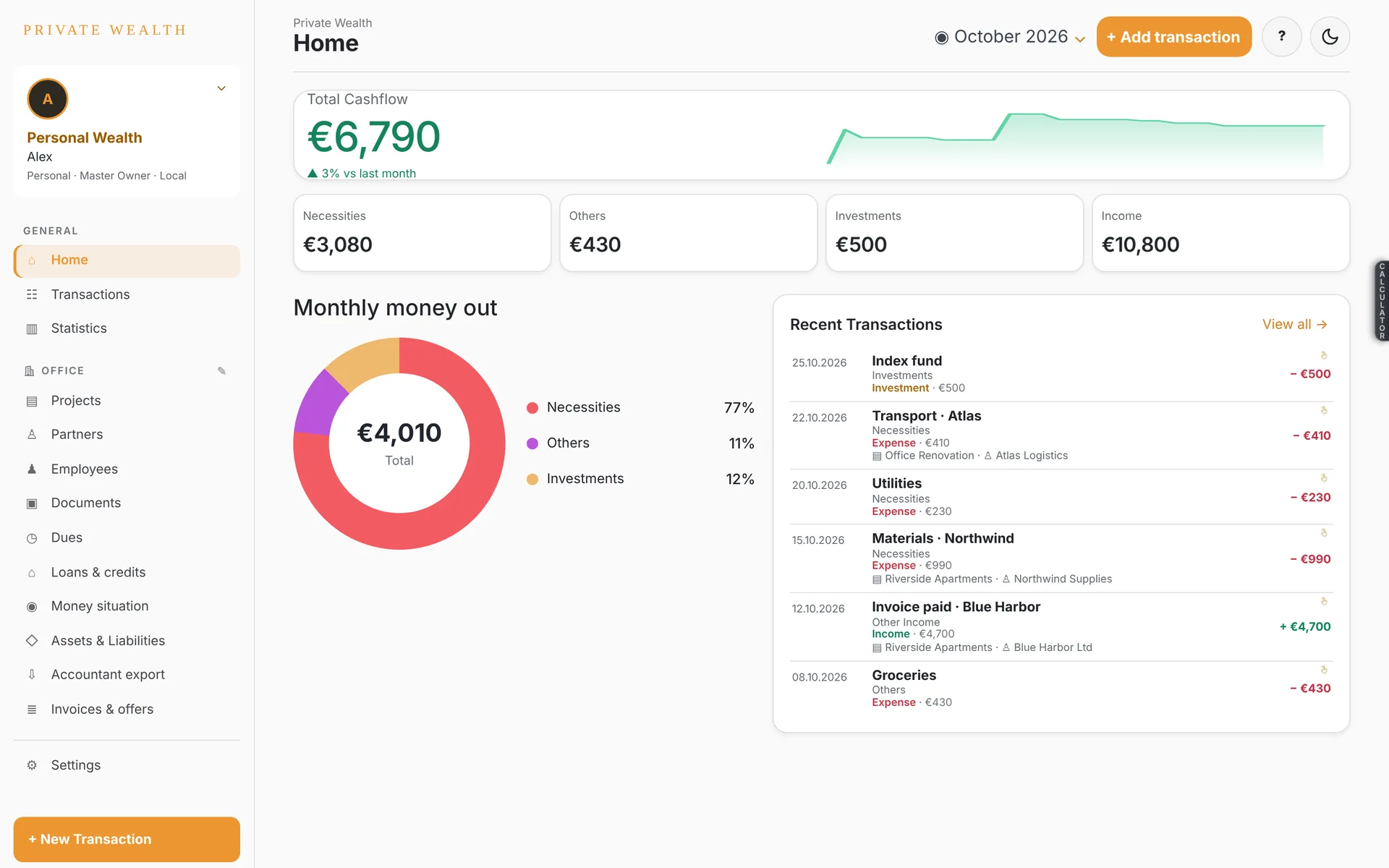
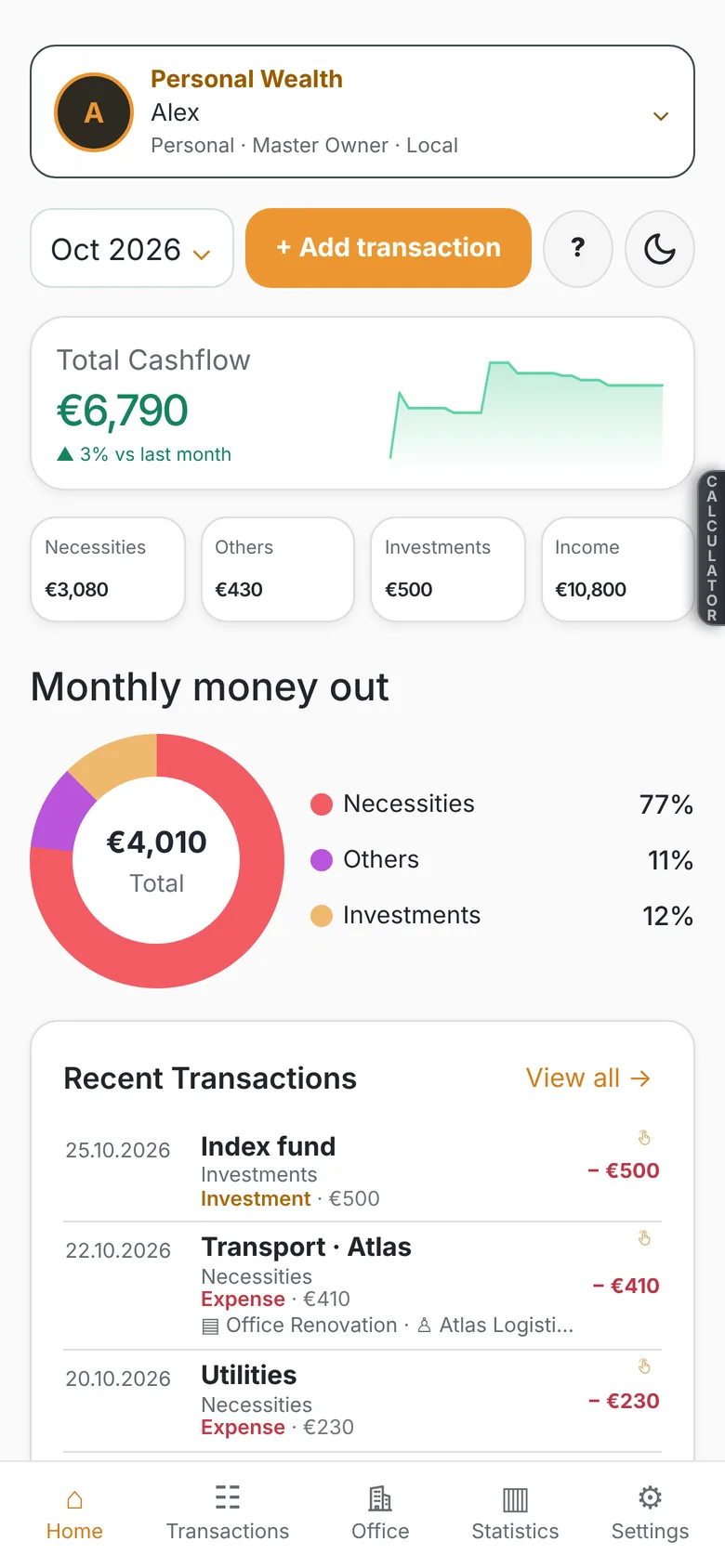
Who CashStudia is for
Not an accounting program.
It is the map of your money.
CashStudia shows you, simply and up to date, where your money comes from and where it goes. So you make better decisions, at home or in your business. The official accounting stays with your accountant; you finally get the clear picture.
Individuals and families
See how much comes in and goes out each month, what it goes on and what is left. Plan bills, instalments and savings. Share the budget with your partner.
Freelancers
Every client, every project, every expense: one photo and done. Know which project earns you money and which costs you, who owes you and when payments come.
Small companies and family businesses
Income and expenses by project, partner, contract and employee. Invoices, offers and due dates in view. Your money situation today and for the coming months.
Owners and investors
Homes, land, cars, crypto and shares: what they are worth, what they bring and what they cost each month. Loans and debts, all in one place. Your net worth, always up to date.
How to use it best
Ten minutes a week is enough.
- 1On the spot: a photo. Take a photo of every receipt or invoice. The amount, date and partner fill in by themselves.
- 2Link it to something. A project, a partner, a contract, a home or a loan. Then see everything that belongs to it, together.
- 3Once a month: look. Statistics and the Money situation show where the money went and how much you have available next month.
- 4Send it to your accountant. The Accountant export (Excel and the documents) goes to your accountant in one tap. They keep the books, you keep the direction.
CashStudia is not an accounting program and does not file tax returns. It helps you see and steer your money; accounting and taxes stay with your accountant.
A photo. A transaction.
Receipts and invoices, read right on your phone.
Take a photo or pick one from your gallery. The page is cut out, straightened and read on the device — amount, date, currency and partner fill in by themselves.
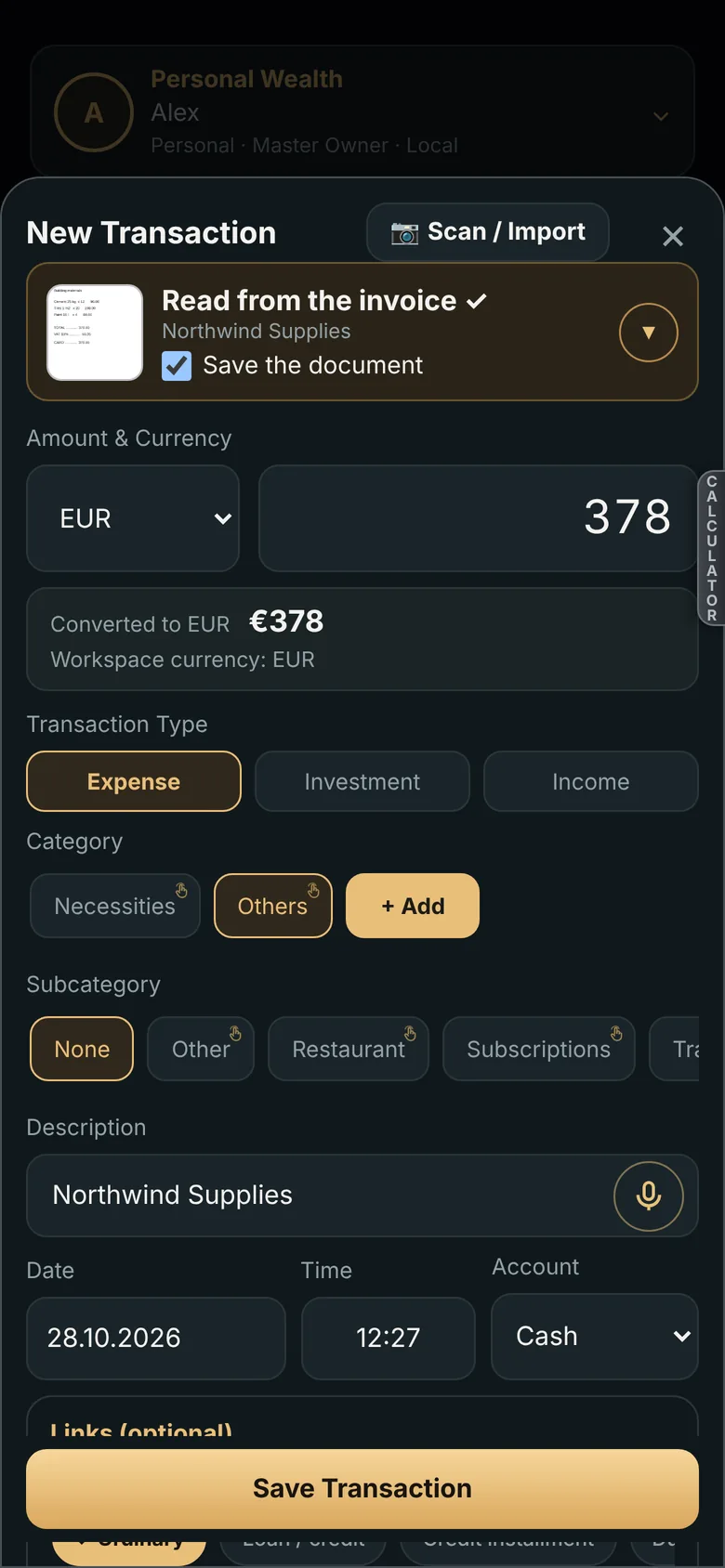
Keep the receipt with the transaction, or use the photo only to read the numbers. Your choice, remembered.
The same number. Everywhere.
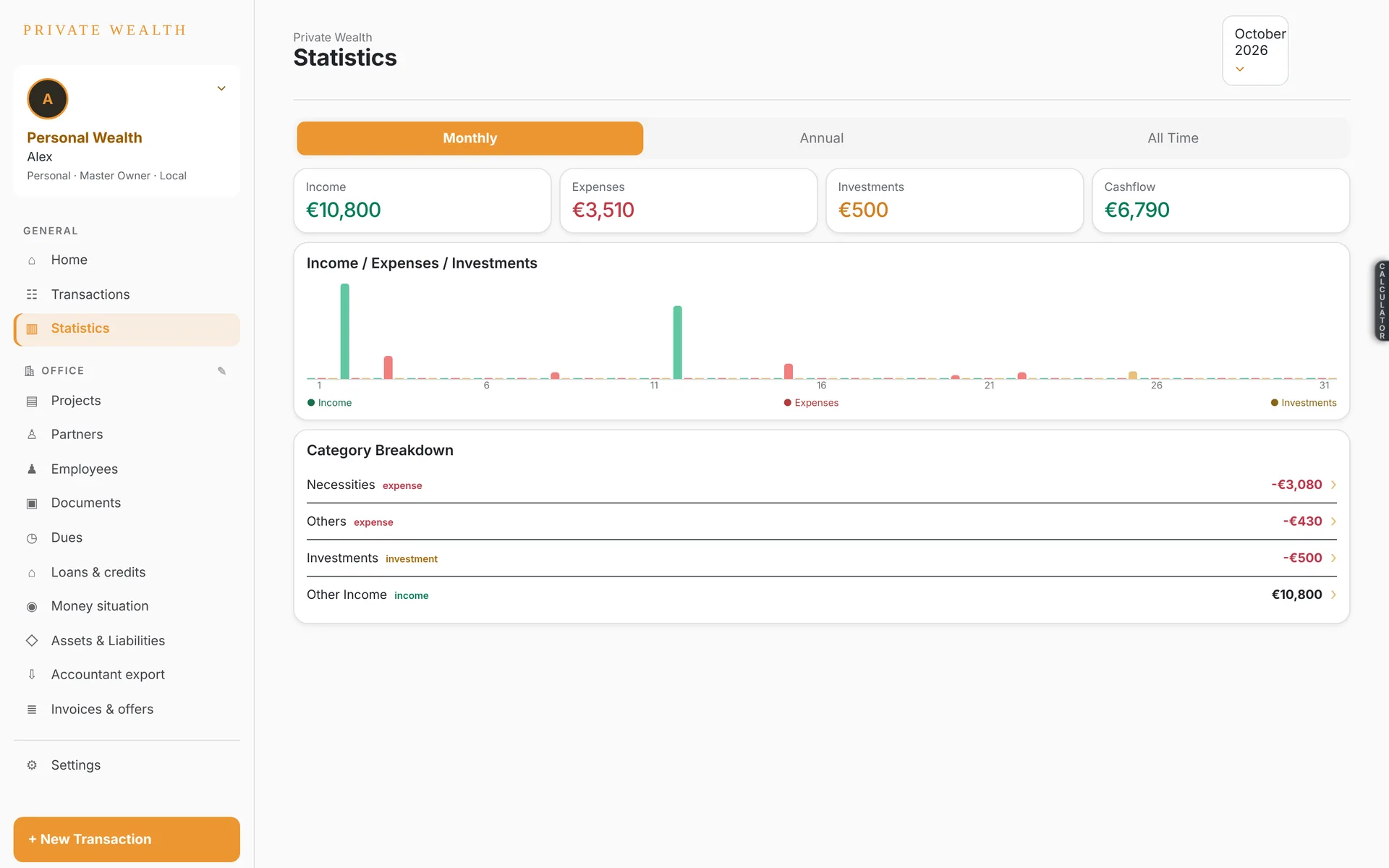
Statistics in the app, the Excel workbook and the PDF.
For business
Projects, contracts, invoices. One office.

For you
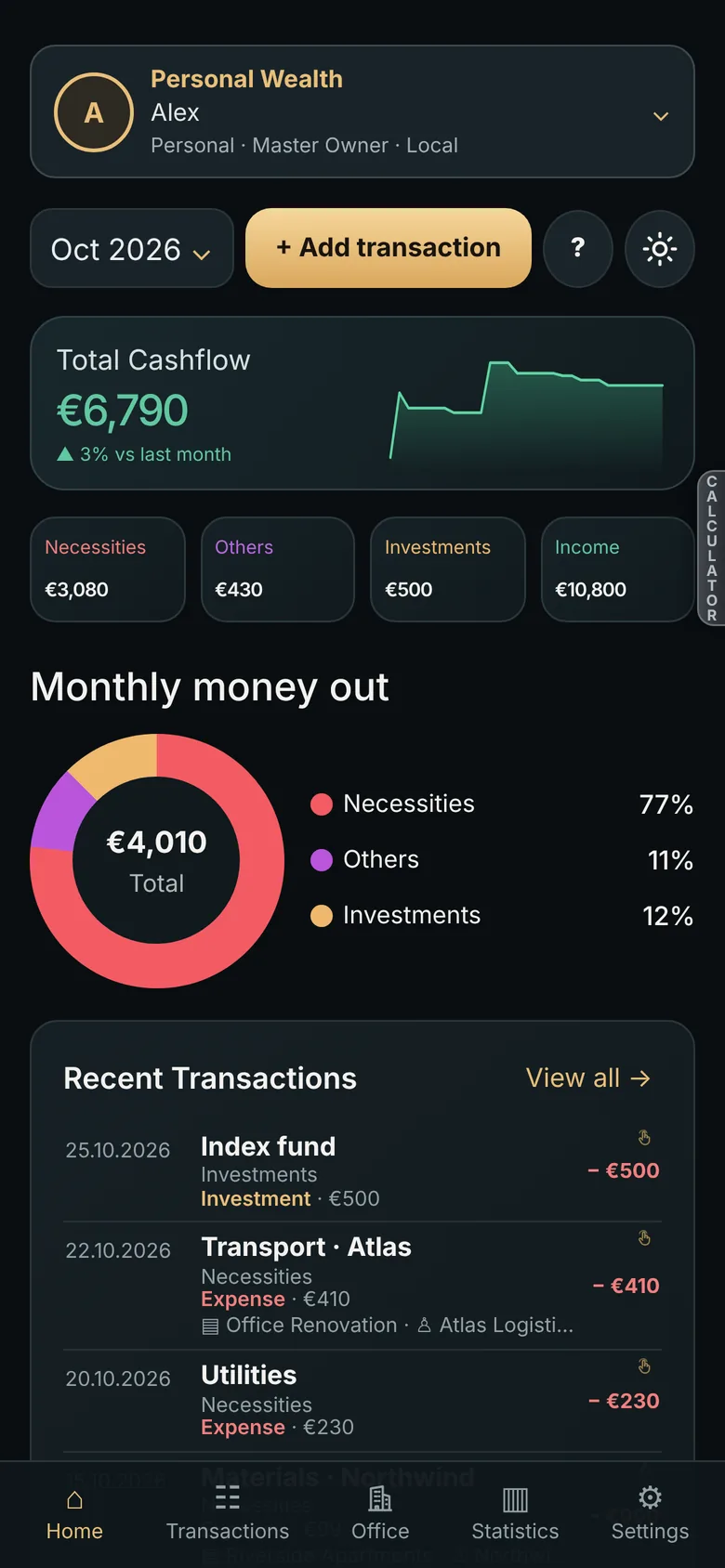
Know where every month goes.
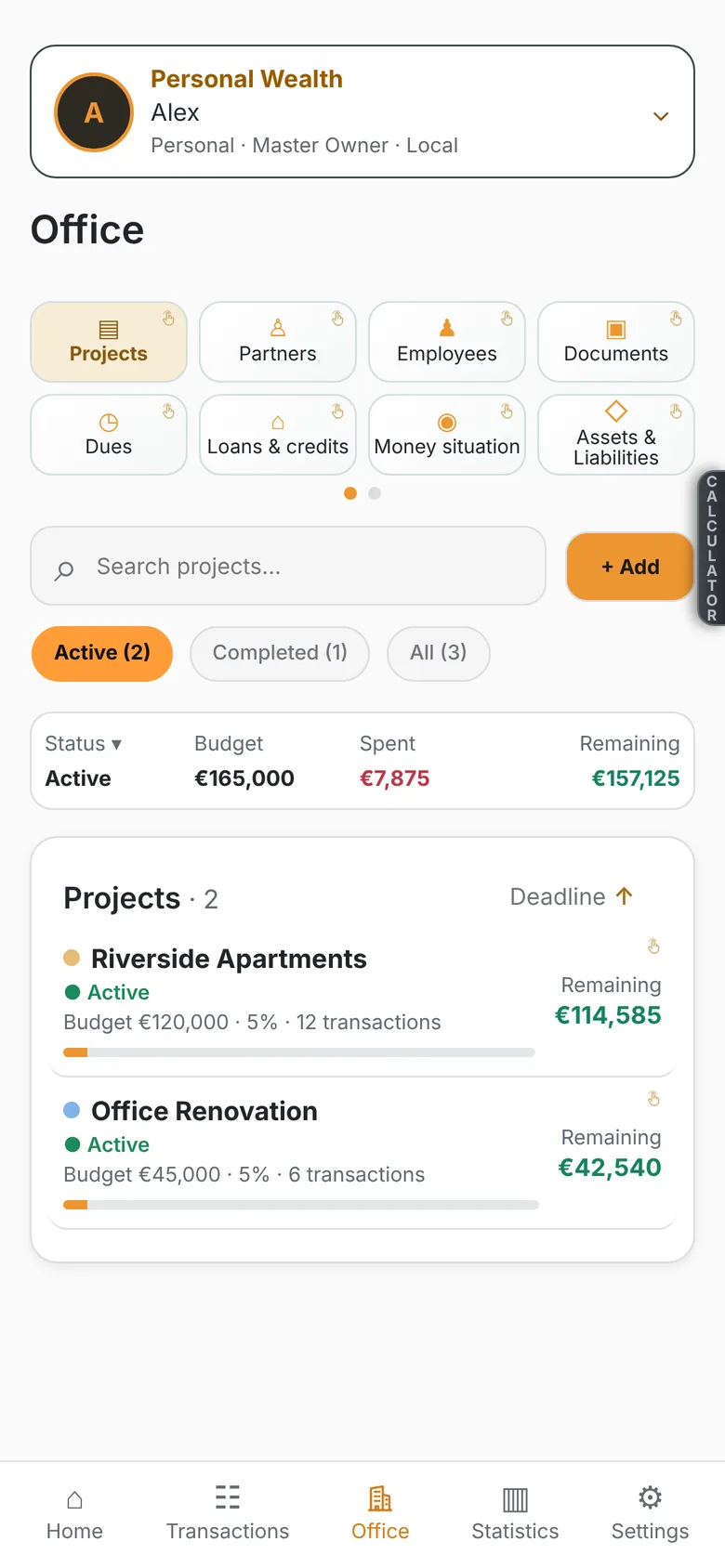
Projects & partners
Budget, spent, remaining. At a glance.
Statistics, in your pocket
Monthly, yearly, all time.

Privacy, built in.
Your amounts, transactions and documents are encrypted on your device before they leave it, and stay encrypted on the server. Not even the people who run it can read them.
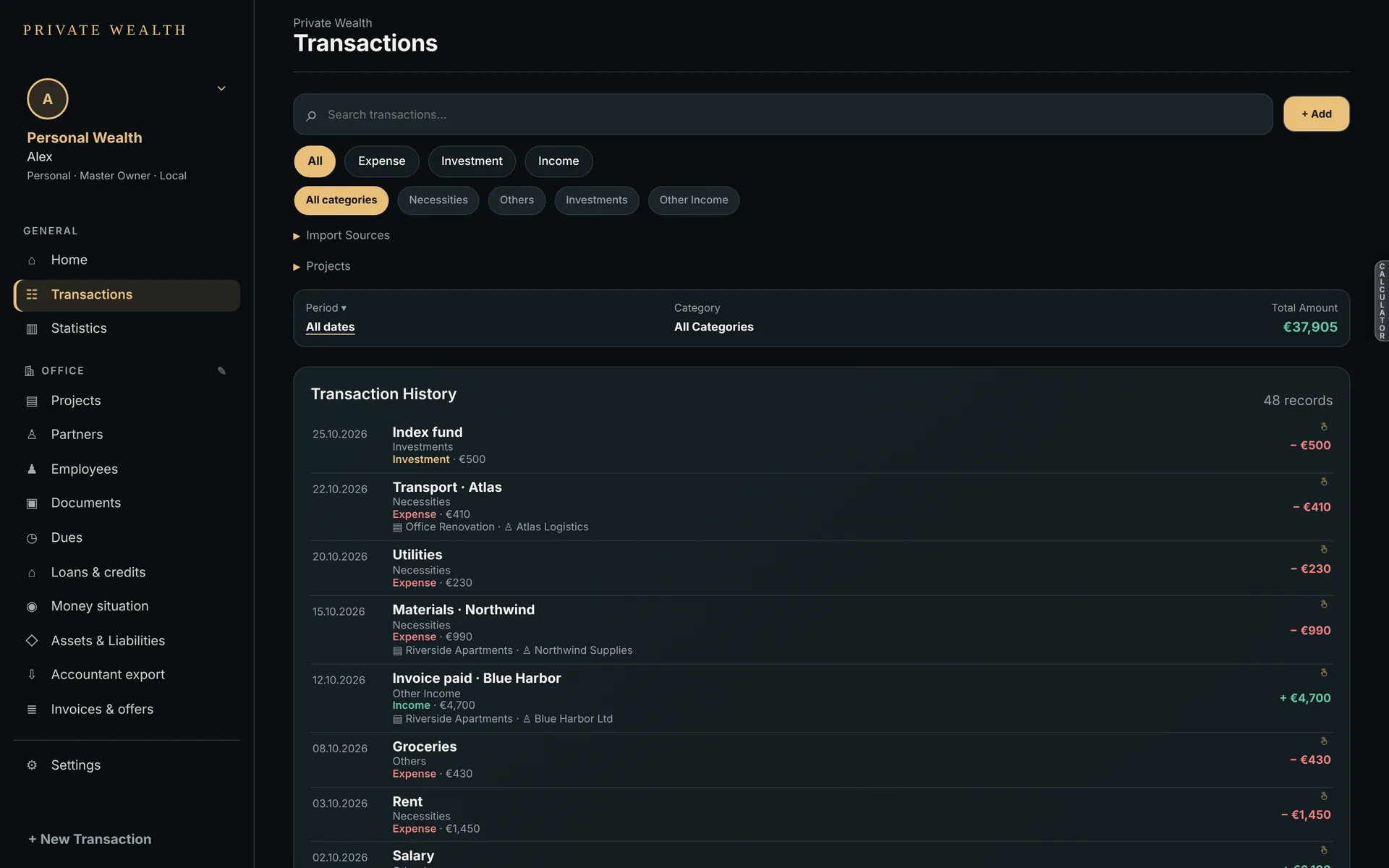
Every transaction, organised
By type, category, project and partner.
Light or dark
19 languages. Any currency.
Start with one receipt.
In your browser on any computer. As an app on Android.
Android phones only. Not on Google Play yet.